
eSign PDF
Sign your PDF online
Drop your PDF file here or
Upload from your device
Upload from Google Drive
Upload from DropBox
Upload from Web address (URL)
Powered by Nutrient PDF Signature (utilizing GdPicture.NET SDK). See Implementation Guide
Privacy notice
Files are accessible for up to 30 minutes after upload and can be cleared manually right after processing by clicking the bin icon. We do not retain files for AvePDF Premium subscribers.
To improve our tools, we retain the files you upload to our free service and use them to develop and improve our services, including to train our models. To request deletion of your files, see our Privacy Policy.
Need to automate Electronic Signing in your own app?
AvePDF is built on Nutrient's enterprise-grade PDF SDK. Explore our PDF Signature solutions for developers or view the GdPicture PDF Signature SDK that powers this tool.
How to esign a PDF online:
- To start, drop your PDF file or upload it from your device or your cloud storage service.
- Click on the Signature button to open the signature configuration window.
- Draw your signature with your cursor or import it from your device.
- If you wish to add a certificate to add another level of security, click on Import certificate and enter the password.
- Click on Save.
- To place your signature, draw a box on the document with the mouse.
- Click on Save.
- Download the signed PDF file to your computer or save it directly to your cloud storage service.
Blog posts
Did you know?
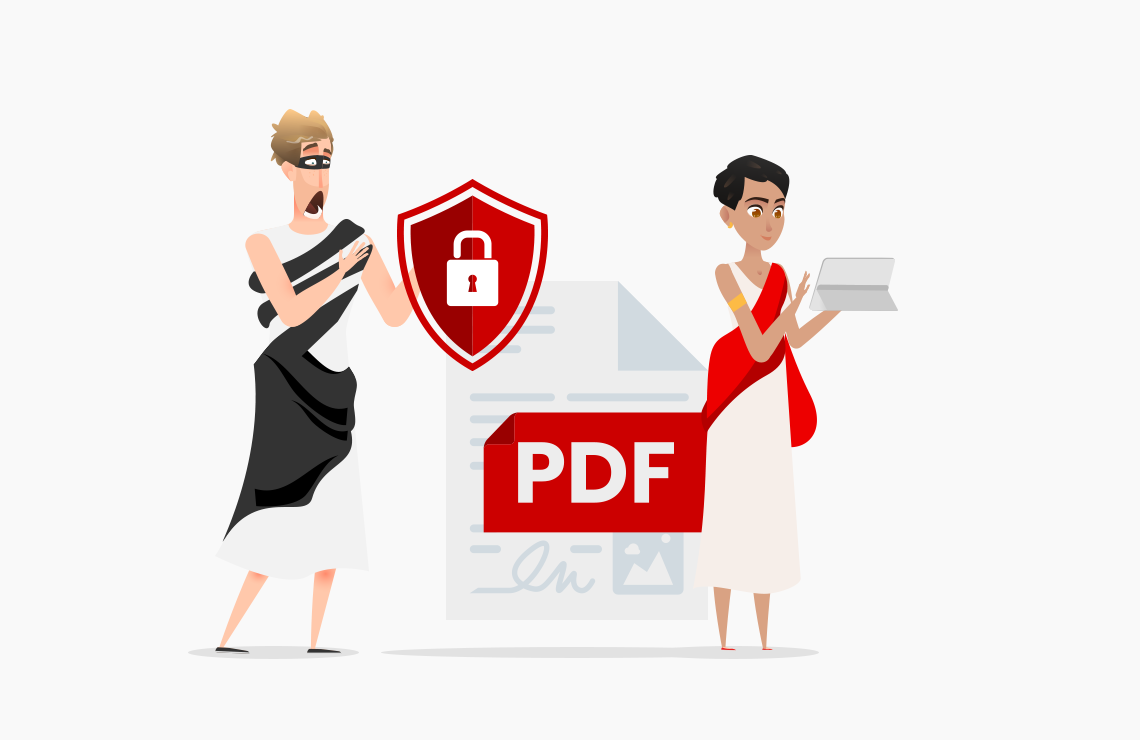
Each country has laws regarding the use of electronic signatures. In the European Union, the eIDAS regulation allows 3 types of electronic signatures:
- the simple electronic signature suitable for everyday acts or those with low legal or financial consequences for the signatory.
- the advanced electronic signature, which includes the use of a digital certificate.
- the qualified electronic signature, generally used for authentic acts of notaries, lawyers, bailiffs, courts, and the like. Its security criteria are comparable to those of the advanced digital signature. Still, its procedure cannot be entirely carried out remotely: a certification authority approved by the government must verify and validate the identity of the signatory.
AvePDF supports simple and advanced electronic signature processes, thanks to the ability to import a digital certificate.
- the simple electronic signature suitable for everyday acts or those with low legal or financial consequences for the signatory.
- the advanced electronic signature, which includes the use of a digital certificate.
- the qualified electronic signature, generally used for authentic acts of notaries, lawyers, bailiffs, courts, and the like. Its security criteria are comparable to those of the advanced digital signature. Still, its procedure cannot be entirely carried out remotely: a certification authority approved by the government must verify and validate the identity of the signatory.
AvePDF supports simple and advanced electronic signature processes, thanks to the ability to import a digital certificate.
A digital signature certificate (DSC) contains information about the user’s name, pin code, country, email address, date of issuance of the certificate, and name of the certifying authority. It also makes it possible to prove that the document has not been modified since the signature. The digital certificate is an electronic file, as well as a private key allowing cryptographic signature operations. Only a Certification Authority, whose role is to verify the identity and make the link between the private signature key and the identity of the signatory, can issue a certificate.
Easy to set up and simple to use, the digital signature is based on an encryption system with a private key (which is used to sign) and a public key (to verify the signature). It is this encryption system that allows authentication of the document sender. To ensure the highest security level, AvePDF uses the SHA-256 hash algorithm. Did you know that the NSA first designed this cryptographic algorithm? It is now a standard, released under a royalty-free license.
PDF Tools
Languages
Developers


Legal
Contact us
Copyright 2017-2026 Orpalis Imaging SAS d/b/a Nutrient.
All rights reserved.